November 8, 2026
AI Agent vs Chatbot: Key Differences and Which You Need
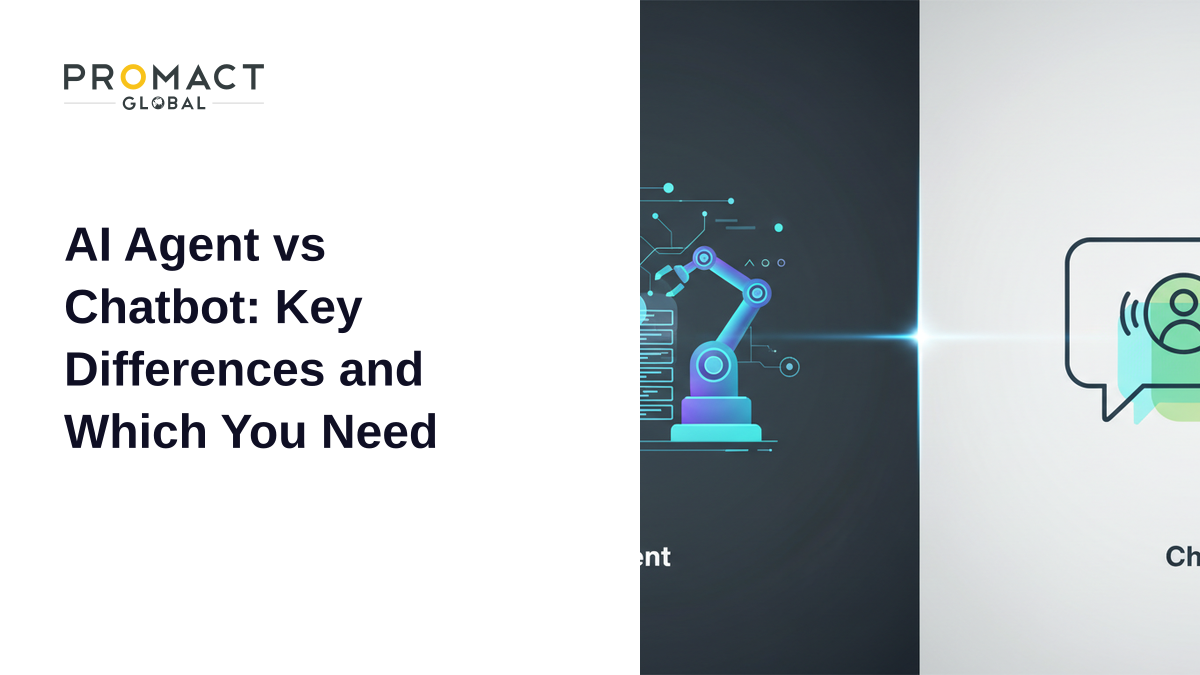
An AI agent is software that takes a goal, decides the steps, and uses your business systems to finish the job. A chatbot is software that holds a conversation and answers questions, usually from a script or a knowledge base. The short version: a chatbot talks, an AI agent acts. Most teams need a chatbot for simple, repeatable questions and an AI agent for work that spans several systems and needs judgement.
This guide explains the difference between an AI agent and a chatbot, shows where each one fits, and gives you a decision table, a cost and risk comparison, and a checklist to choose. If you want the wider background, start with our explainer on AI agents for business.
What Is the Difference Between an AI Agent and a Chatbot?
The clearest line is not the chat window. Plenty of AI agents have one, and plenty of chatbots now run on large language models. The line is whether the system can plan, call tools, and change something in another system without a person doing it.
Anthropic’s engineering guide draws a similar distinction between workflows and agents: workflows follow predefined code paths, while agents dynamically direct their own process and tool use. A traditional chatbot sits at the workflow end of that spectrum. An agent sits at the other.
| Dimension | Chatbot | AI agent |
|---|---|---|
| Main job | Answer questions and route requests | Complete tasks and reach a goal |
| How it decides | Scripts, intents or a single model reply | Plans steps, picks tools, checks the result |
| Systems it touches | Usually a knowledge base | CRM, ERP, ticketing, email, databases |
| Memory | Current conversation, sometimes history | Task state, history and business context |
| When it is stuck | ”Sorry, I didn’t understand” or a handoff | Retries, tries another route, or escalates with context |
| Typical risk | Wrong answer | Wrong answer plus a wrong action |
| Setup effort | Days to weeks | Weeks to months, with integration and testing |
Is ChatGPT a Chatbot or an AI Agent?
Out of the box, it is a chatbot. It answers what you type. Once it is connected to tools that can search, run code, send messages or update records, and it is allowed to choose when to use them, it starts to behave like an agent. The same underlying model can power both. What changes is the access it has and the authority it is given.
This is why the labels confuse buyers. A vendor can put a language model behind a chat widget and call it an agent. Gartner calls this “agent washing” and estimates that only about 130 of the thousands of vendors claiming agentic features offer real ones. A quick test: ask what the system can do without a human clicking anything. If the answer is “tell the customer what to do next,” it is a chatbot.
How Does the Same Request Look With a Chatbot vs an AI Agent?
Take a customer who writes: “My order arrived damaged, I want a replacement.”
With a chatbot: it recognises the intent, replies with the returns policy, and shares a form link. The customer fills in the form. A human agent later checks the order, approves the replacement and creates the shipment.
With an AI agent: it looks up the order, checks the delivery status and the return policy, confirms the damage claim against your rules, creates the replacement order, emails the label, and writes a note on the ticket. If the item is high value or the customer looks like a repeat claimant, it stops and hands the case to a person with the full context attached.
Same conversation on the surface. Very different outcome underneath. The chatbot informs, the agent resolves.
When Should You Use a Chatbot?
A chatbot is the right tool when the questions are predictable and the answers do not require touching other systems. Good fits:
- Opening hours, pricing pages, shipping times and policy questions
- Simple lead capture and appointment booking
- Triage that sends people to the right team or form
- Internal FAQs for HR or IT policy
Chatbots are cheaper to build, easier to test, and easier to keep within bounds. Klarna’s AI support assistant shows how much volume this kind of front-door automation can absorb: in its first month it handled 2.3 million conversations, two-thirds of its customer service chats, according to the company.
When Do You Need an AI Agent?
You need an agent when the job crosses systems, depends on rules and context, and has to end with something done rather than something said. Typical signs:
- A human currently logs into three or more tools to finish one request
- The work involves reading unstructured input such as emails, PDFs or forms
- The decision depends on policy, history or thresholds
- Delays come from waiting for someone to copy data from one place to another
Examples include claims intake, invoice matching, KYC document checks, order exceptions and IT ticket resolution. For concrete cases by function, see our post on AI agent examples. Gartner predicts that by 2029 agentic AI will autonomously resolve 80% of common customer service issues without human intervention. That is a forecast, and the word “common” matters. Complex and emotional cases will still need people.
What Does Each Option Cost and Risk?
Cost is not only the build. It is also the cost of mistakes.
| Factor | Chatbot | AI agent |
|---|---|---|
| Build and integration | Lower | Higher: system access, permissions, testing |
| Running cost | Low per conversation | Higher per task, as it makes more model and tool calls |
| Worst-case failure | Wrong answer shown to a customer | Wrong refund, wrong record, wrong email sent |
| Oversight needed | Review transcripts, update content | Approval rules, audit logs, limits on actions |
| Time to value | Fast for FAQs | Slower, but covers whole workflows |
Wrong answers are not harmless either. In 2024 a Canadian tribunal ruled that Air Canada was responsible for what its website chatbot told a passenger about bereavement fares, rejecting the argument that the bot was a separate entity. If a chatbot can create liability by talking, an agent that acts raises the stakes. Our post on what happens when your AI agent makes a mistake covers the legal and operational side, and AI agent security risks covers how to limit the blast radius.
Can an AI Agent Fully Replace a Chatbot or a Human Team?
Not safely, in most cases. Klarna is the cautionary tale. After its early results, its CEO said the company had pushed too far on automation and that it was hiring human customer service agents again because quality had suffered. The company framed it as a change of priorities, not a retreat from AI, and AI still handles the easy questions.
The practical lesson is layering. Use a chatbot or a lightweight agent for the front door, let an agent handle the workflows behind it, and keep a clear path to a person. Gartner also expects that more than 40% of agentic AI projects will be cancelled by the end of 2027 because of rising costs, unclear value and weak risk controls, so start narrow and prove value before widening scope.
Which One Do You Need? A Five-Question Checklist
Answer these for the process you want to automate:
- Does the request end with an action in another system? If yes, lean towards an agent.
- Are the questions mostly the same 20 to 50 variations? If yes, a chatbot may be enough.
- Does the decision depend on policy, thresholds or customer history? If yes, you need reasoning and tool access.
- What is the cost of a wrong action? If it is high, add approval steps whichever you pick.
- Do you have clean, accessible data and APIs? If not, fix that first. Neither option works well on messy data.
If you score mostly “chatbot,” build that and stop. If you score mostly “agent,” start with one workflow, one team and a human approval step, as we describe in the digital employee playbook.
How Promact Approaches the Choice
Our AI agent solutions page describes the same split in practice. Chatbots work from pre-written FAQ scripts and cannot make decisions, while agents read unstructured emails and PDFs, reason against company policy, connect to backend systems, and ask a human when they are uncertain. We usually begin with a 30-minute workflow audit to map where documents arrive, which systems your team touches and where delays happen, and then recommend the lightest option that does the job. Sometimes that is a chatbot.
Key Takeaways
- A chatbot answers; an AI agent completes tasks using tools and system access.
- Choose a chatbot for predictable FAQs and triage, and an agent for multi-step work across systems.
- Agents cost more to build and carry action risk, so add approval rules, logs and limits.
- Do not remove humans entirely. Layer chatbot, agent and person.
- Start with one workflow and measure before expanding.
Frequently Asked Questions
Is an AI agent better than a chatbot?
Not always. An agent is better for multi-step work that needs decisions and system access. A chatbot is often better, cheaper and safer for simple FAQs.
Is ChatGPT an AI agent or a chatbot?
By default it is a chatbot. When it is connected to tools and allowed to decide how to use them to complete a task, it acts as an agent.
Can a chatbot become an AI agent?
Yes. Adding tool access, task planning and the authority to act on systems turns a language-model chatbot into an agent, but it also needs permissions, testing and oversight.
Are AI agents more expensive than chatbots?
Generally yes, because of integration work, testing and higher per-task model usage. The return is that they can finish whole workflows, not only answer questions.
Are AI agents riskier than chatbots?
They can be, because they take actions as well as give answers. Limit risk with narrow permissions, approval steps for high-value actions, audit logs and a human escalation path.
Sources
- Anthropic: Building Effective Agents - the distinction between workflows and agents
- Gartner: Agentic AI to resolve 80% of common customer service issues by 2029 - customer service forecast
- Gartner: Over 40% of agentic AI projects will be canceled by end of 2027 - agent washing and project risk
- Klarna: AI assistant handles two-thirds of customer service chats in its first month - company-reported chatbot results
- Entrepreneur: Klarna is hiring customer service agents after AI could not cut it - the CEO’s reversal on AI-only service
- CBS News: Air Canada chatbot discount ruling - tribunal ruling on chatbot liability
Have a project like this in mind?
Tell us what you're building — we'll help you scope it and ship it.
Talk to us