

May 19, 2026
No-Code AI Agents: The Tools That Let Non-Technical Founders Build Automation
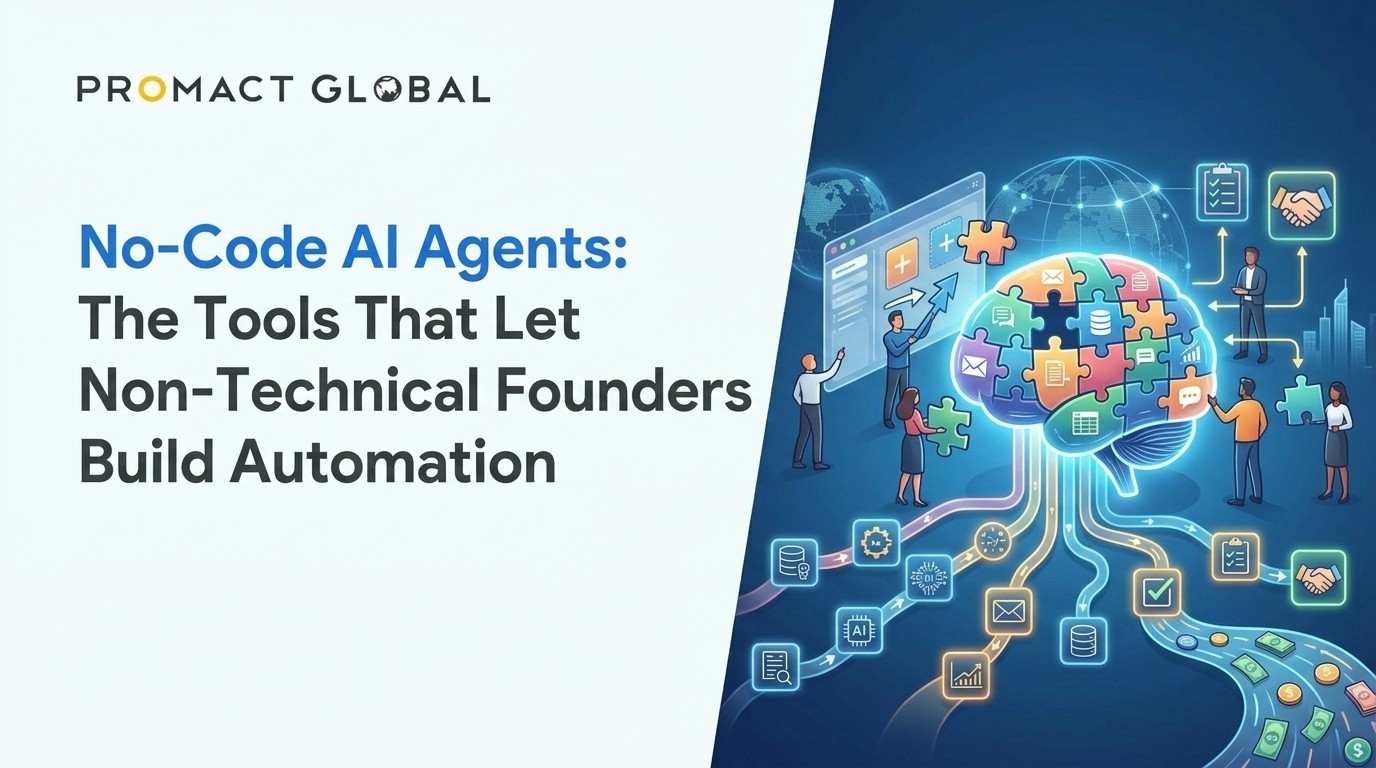
Introduction: You Do Not Need to Know How to Code Anymore
There is a scene in almost every startup story where the founder hits a wall. The idea is solid, early traction is real, but suddenly everything depends on moving data between a dozen different apps, responding to leads within minutes, and generating reports that would take a human half a day to put together. The next step, it seems, is to hire a developer. Or spend six months learning to code. Or just stay stuck.
That wall is getting torn down. A new generation of no code AI automation tools is making it possible for founders, marketers, and operators to build genuinely intelligent, multi-step workflows without writing a single line of code. Not just “connect app A to app B” automation, but real AI-driven processes that can think, decide, and act on your behalf.
This guide is for anyone who has ever thought, “I wish I could automate this, but I am not technical.” You are not alone, and the tools are finally ready for you.
What Exactly Is a No-Code AI Agent?
Before diving into the platforms, it helps to understand what separates an AI agent from a basic automation.
A traditional automation follows a fixed rule. If someone fills out a form, send them a welcome email. That is useful, but it is predictable and limited. An AI agent can do something more interesting: it can read the form response, research the person who submitted it, draft a personalised follow-up email based on what it finds, and decide whether to send it immediately or flag it for your review. Same trigger, but an intelligent chain of decisions in between.
No code AI automation tools let you build those chains visually. You drag blocks onto a canvas, connect them, tell the system which AI model to use, and define what should happen at each step. The result is a workflow that looks less like a flowchart and more like a junior team member who never sleeps.
Why Non-Technical Founders Are Adopting These Tools Fast
The numbers are hard to ignore. Searches for AI automation tools grew by 900% year-over-year in 2025. Meanwhile, research from McKinsey and others consistently shows that a significant chunk of tasks in any knowledge-work business, things like data entry, email follow-ups, lead research, and content summarisation, can be partially or fully automated.
For a solo founder or a small team, the impact of that automation is disproportionately large. Getting back five or ten hours a week is not just a productivity gain. It is the difference between staying reactive and building something proactive.
The older barrier was technical skill. Setting up an automation used to mean understanding APIs, writing scripts, and debugging code at midnight. The platforms in this guide have largely removed that barrier. The remaining learning curve is about thinking in systems, which most founders already do naturally.
Zapier AI: The Best Starting Point for Absolute Beginners
If you have never touched an automation tool in your life, Zapier is almost certainly where you should start. It has been around since 2011 and spent years becoming the most approachable tool in the category. Its interface is clean, its onboarding is forgiving, and its integration library is the largest in the industry.
Zapier now connects more than 8,000 applications. That covers almost everything a founder is likely to use: Gmail, Slack, Notion, HubSpot, Stripe, Airtable, Google Sheets, Typeform, and thousands more. When you want to build an automation, Zapier guides you through a step-by-step builder that reads almost like plain English.
The platform’s more recent additions make it a genuine no code AI automation tool rather than just a connector. Zapier AI Agents let you describe what you want an agent to do in natural language, and the platform helps you build it. Zapier Copilot, an AI assistant baked into the builder itself, helps you set up workflows by answering questions about what you are trying to accomplish.
Where Zapier gets complicated is pricing. It charges per task, meaning each action step after a trigger counts as one unit against your monthly limit. For light users, the free tier works fine. For founders with high-volume workflows, costs can climb faster than expected. That said, for getting started and for workflows that touch a lot of different apps, Zapier remains the benchmark for ease of use.
A practical example: a founder running a consulting business used Zapier to build a workflow that watches for new responses to their intake form, creates a contact in their CRM, sends a personalised onboarding email, and adds a task to their project management tool. The whole thing took about two hours to set up with no prior experience and no code.
Make (Formerly Integromat): Visual Power at a Lower Price
Make, which was known as Integromat before its rebrand, sits a step up from Zapier in terms of visual complexity and a step down in terms of price. The canvas-based interface feels almost like a mind map, with modules connected by routes and filters. It is visually intuitive once you get used to it, and it is far better suited to workflows with branching logic and conditional paths.
The pricing difference is significant. Make offers 10,000 operations per month at nine dollars, compared to what you would pay for equivalent usage on Zapier. For founders who are building moderately complex workflows and watching their budget, that gap matters.
Make also has solid AI capabilities. You can connect large language models, set up AI steps within a scenario, and build workflows that do things like summarise incoming emails, extract structured data from documents, or route support tickets based on sentiment. It does not have quite the same conversational AI-building experience as Zapier, but it gives you more visual control over how your data flows through each step.
The honest limitation is that Make has a steeper learning curve than Zapier. The interface is powerful but can feel overwhelming at first. The concepts, like bundles, iterators, and aggregators, are not intuitive on day one. Most founders who stick with it say the first week is frustrating and the second week is transformative. If you are willing to spend a few hours learning the fundamentals, Make rewards that investment with considerably more capability per dollar.
n8n: For the Privacy-Conscious Founder With a Technical Edge
n8n (pronounced “n-eight-n”) is the odd one out in this group, and deliberately so. It is open-source, which means you can download it and run it entirely on your own servers. Your data never has to pass through a third-party cloud. For founders in regulated industries, or anyone who is serious about data privacy, that is a significant advantage.
The platform offers over 400 pre-built integrations, supports direct connections to large language models, and has native LangChain integration for building sophisticated AI agent chains. Unlike the other tools in this guide, n8n also lets you write JavaScript or Python directly inside a workflow if you ever need to. You are not forced to stay in no-code territory, but you are also never required to leave it.
In December 2025, n8n launched version 2.0 with enterprise-grade security features, including isolated code execution and granular role-based permissions. It also removed active workflow limits across all cloud plans, so you can build as many automations as you need without hitting artificial ceilings.
The catch is that self-hosting, while free, does require basic server knowledge. You need to be comfortable with tools like Docker to get started. If that sounds unfamiliar, n8n also offers a managed cloud version that removes the technical setup, though it comes at a cost. The community edition is genuinely powerful, but solo founders without any technical background may find the initial setup discouraging.
Where n8n shines for non-technical founders is in the cloud version paired with its visual builder. Once you are up and running, the workflow canvas is clear, the AI nodes are well-documented, and the community is active and helpful. It is also particularly strong as a no code AI automation tool when you want to chain multiple AI models together or build agents that run long, complex sequences of tasks.
Relevance AI: When You Want to Build an Entire AI Workforce
Relevance AI takes a different approach from the others. Rather than thinking about automation as a series of connected steps, Relevance AI asks you to think about it as building a team of specialised AI agents. Each agent has a defined role, a set of tools it can use, and instructions for how it should behave. You then set those agents to work together on a shared goal.
The company describes its product as an “AI Workforce,” and the metaphor is genuinely useful. Imagine a sales team where one agent researches prospects, a second writes personalised outreach emails, and a third handles scheduling when a prospect replies. None of those agents need to be managed in real time. They are just running in the background, delegating to each other and completing tasks the way a well-briefed team would.
Relevance AI is built for non-technical users. You describe what you want an agent to do, and the platform builds it. It integrates with Salesforce, HubSpot, Slack, Notion, and over 2,000 other tools. It is also SOC 2 Type II and GDPR compliant, which matters if you are handling customer data.
The platform works best for sales, marketing, and research workflows. Founders who need an agent to do outbound prospecting research, generate content briefs, or process large batches of documents will find Relevance AI genuinely impressive.
The honest caveats: pricing is usage-based, which can feel unpredictable, and the interface is more complex than it first appears. The gap between building a simple chatbot and orchestrating a multi-step sales workflow is wider than the landing page suggests. If you are willing to invest time in learning the platform, the payoff is real. If you need a simple, cheap starting point, one of the other tools may be a better fit.
How to Choose the Right Platform for Your Situation
With four strong options, the choice can feel paralyzing. Here is a practical framework to cut through it.
Start with Zapier if: you have never used an automation tool, you need to connect a lot of different apps quickly, or you want to get something working in an afternoon without a learning curve.
Move to Make if: you are comfortable spending a few hours learning the basics, you want more visual control over complex logic, and you are cost-conscious about per-operation pricing.
Choose n8n if: data privacy is a priority, you want self-hosting as an option, or you have a slightly technical co-founder who can handle the initial setup.
Build with Relevance AI if: your primary goal is to automate sales or marketing workflows, you want to think in terms of agent roles rather than workflow steps, and you are ready to invest time in a more sophisticated platform.
It is also worth noting that these tools are not mutually exclusive. Many founders use Zapier for simple app integrations and Relevance AI for their more complex agent-based workflows simultaneously. The goal is not to pick the “best” platform in the abstract but to pick the one that solves your most pressing problem right now.
Getting Started: A Practical First Step
The biggest mistake founders make with no code AI automation tools is spending too long planning and not enough time building. Every platform mentioned in this guide has a free tier. The best way to understand whether a tool fits your workflow is to pick one real problem you have this week and try to automate it.
Start small. Pick one repetitive task, something you do the same way every time, and build a workflow around it. You will almost certainly hit a point where something does not work the way you expected. That is not failure; that is the learning. The second automation is always faster than the first.
The founders who get the most out of these tools are not the ones with the most technical knowledge. They are the ones who think clearly about their processes, understand what they are trying to achieve at each step, and are willing to iterate. Those are founder skills. They have nothing to do with code.
The tools are ready. The question is which problem you are going to solve first.
Have a project like this in mind?
Tell us what you're building — we'll help you scope it and ship it.
Talk to us